-1.png?width=100&height=34&name=Group%20742%20(1)-1.png)
How to turn on automatic Follow Ups:
Navigate to the deal, then go to Settings on the top right:

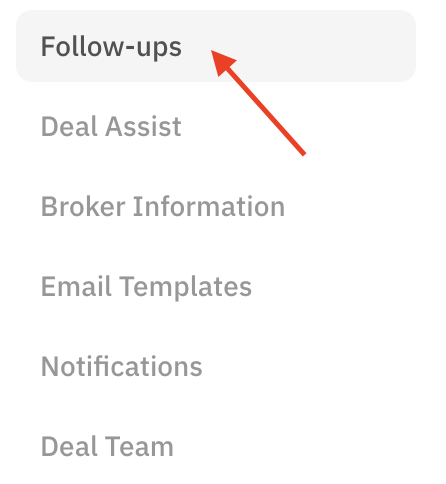
Select Follow Ups on the left-hand side:
Choose your lender relationship preferences
Select the applicable tabs under Existing Relationships/New Lender Follow Ups. This will determine which follow-ups are sent out based on if the contact has been added to your Network, or is new to you.


Sending Follow-Ups to unresponsive lenders
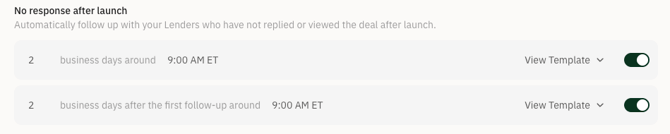
Customize your settings to dictate how long you want to wait before each follow-up is sent, and the time of day you want the email to deliver.
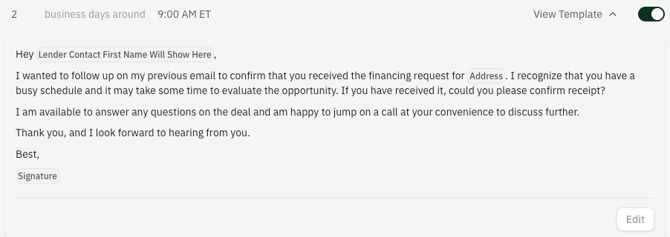
You can also click View Template to directly edit the body of the follow-up email.
Automated Follow-ups will never be sent on a weekend or Major US holiday